Overview
The user interface comprises a main menu on the left and a secondary header menu at the top of the page.
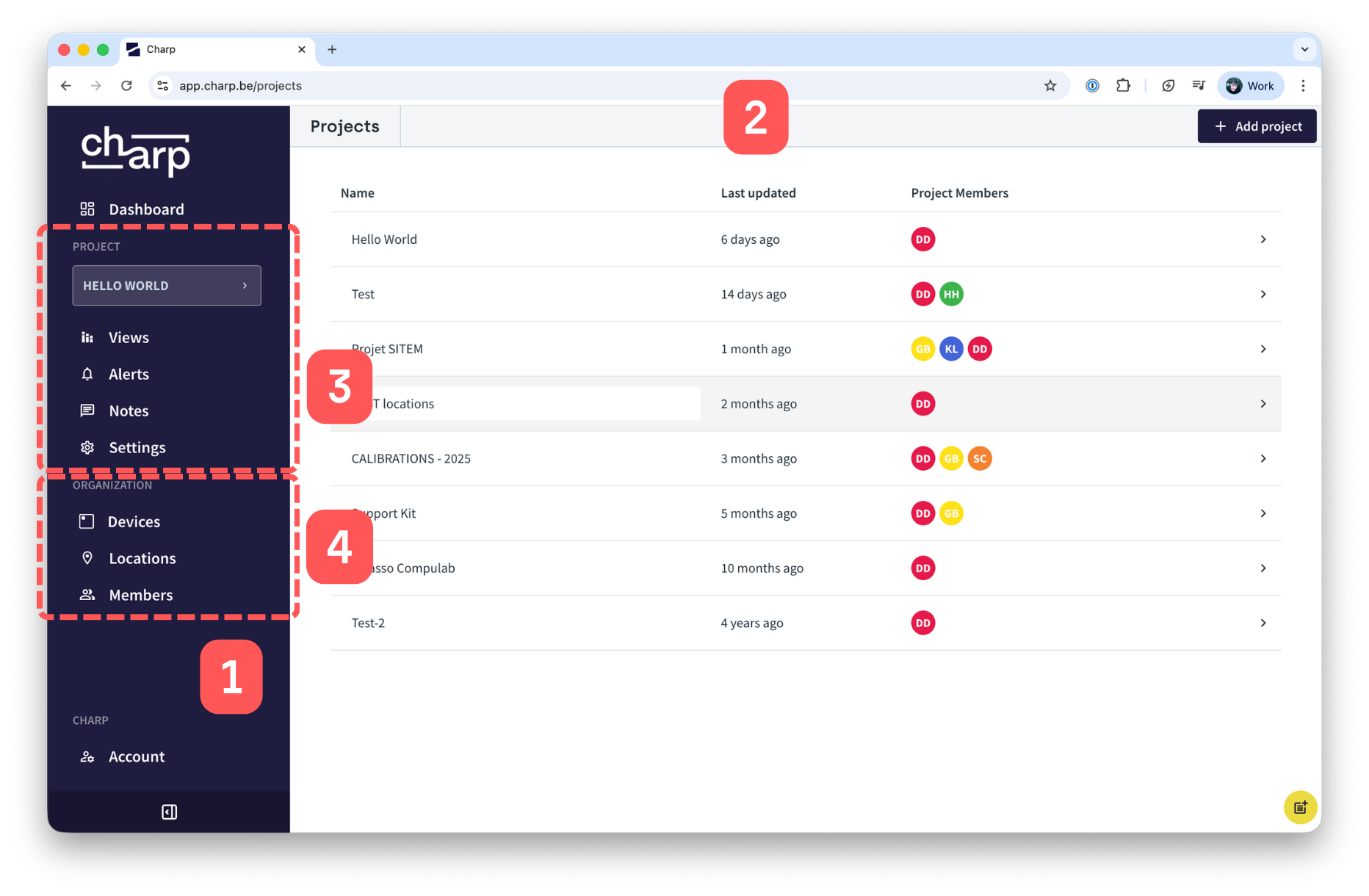
Charp user interface: (1) main menu, (2) header menu, (3) project level menu, and (4) organisation level menu.
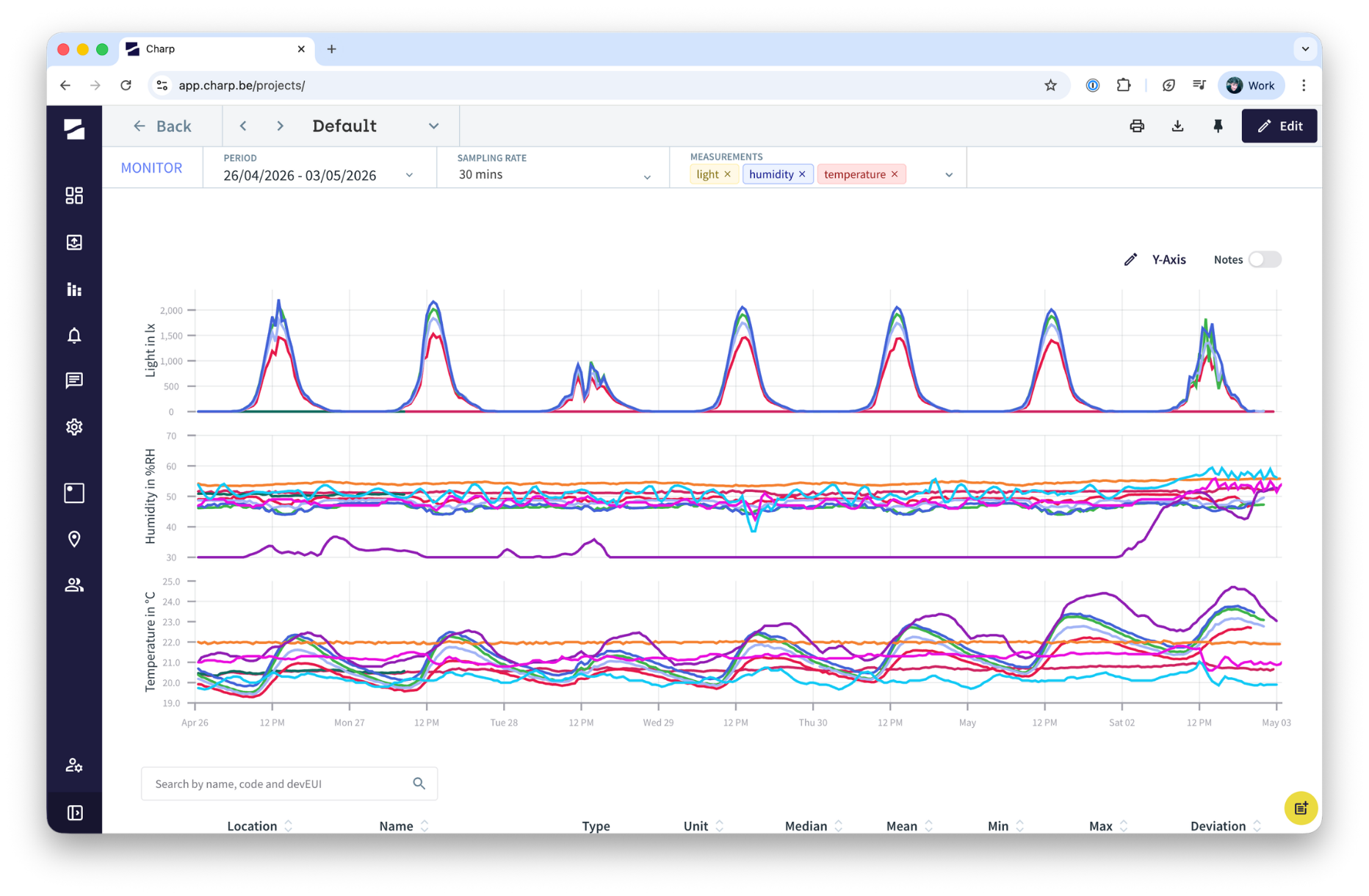
The header menu changes depending on the page that is currently visited, and provides information and functionality specific to that page. For instance, in the Monitor view it provides among others the possibility to change the period visualised.