Projects
Projects are the building blocks that structure your work in CHARP. They string together analyses (Views), alerts, and notes into a single, organised workspace.
Select a project
Click on the project name, just below the PROJECTS subtitle in the main menu to open the projects overview. The overview displays a table with the following columns:
- Name — the project name
- Last updated — when the project was last modified
- Team — the members assigned to the project
Click on a project name to open it. The first page that opens is the Views page.
Sharing a project with external guests
You can share a project with people outside your organisation by creating a shareable link.
Open the project and navigate to Settings. Enable the Shareable project toggle to generate a shareable link. Click Copy shareable link to copy the link to your clipboard.
Share the link with your external guests. They will be able to view the shared views within the project.
Guests can only view the shared views. They cannot edit any project data, views, or settings.
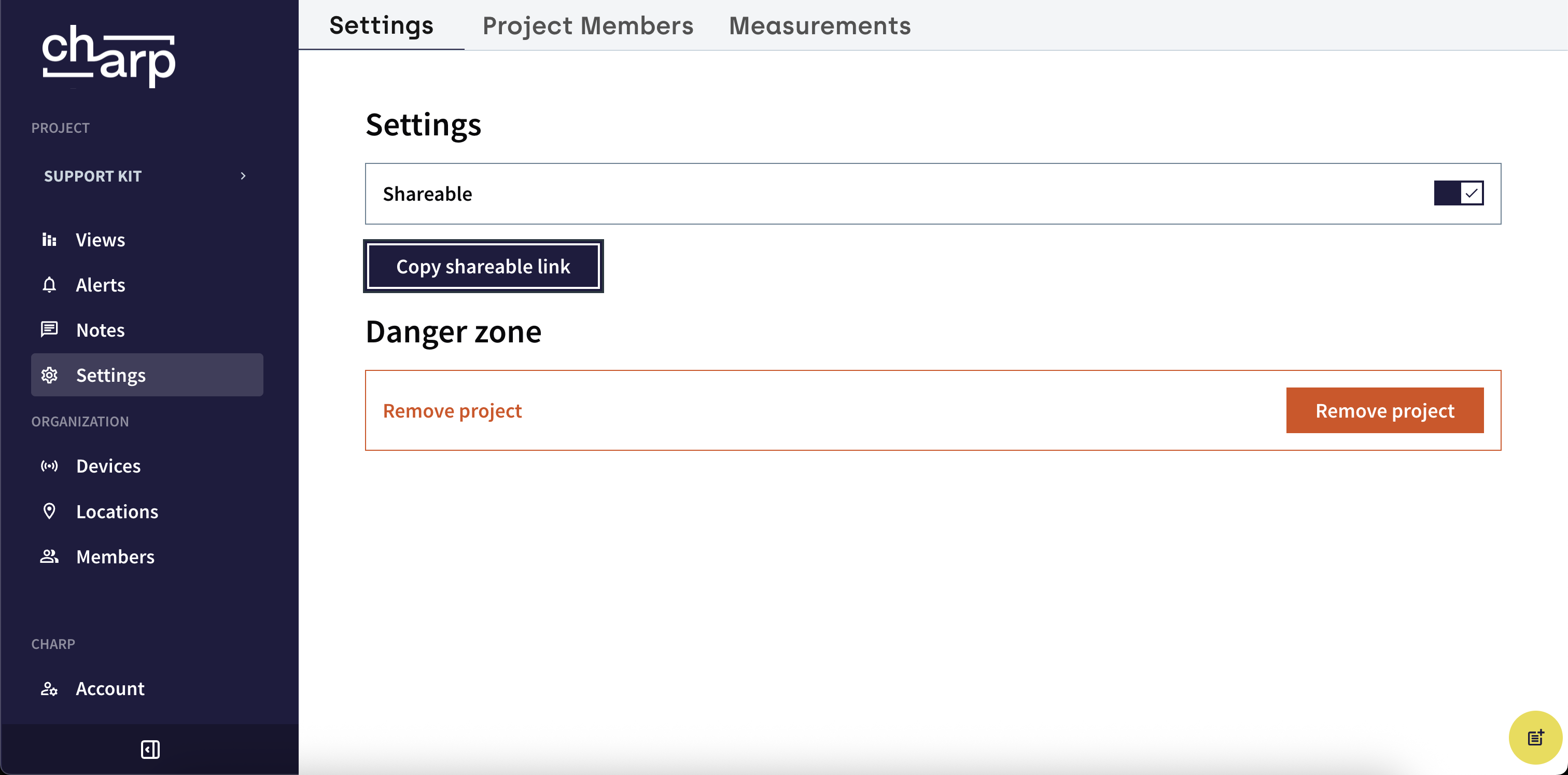
Anyone with the shareable link can view the project. Be mindful of who you share the link with, and revoke access when it is no longer required.
Only enable sharing for projects that are specifically intended for external viewing. Periodically review which projects have sharing enabled and disable it when no longer needed.
Managing and revoking access
To revoke access for external guests, return to the project Settings and simply turn off the Shareable project toggle. The previously shared link will no longer work.