Mini Trial System
With this shipment, you have received CHARP Mini loggers and an accompanying LoRaWAN gateway. This guide will help you get started.
Mini gateway
The Mini gateway is the link between your Mini loggers and the Charp platform. The Minis communicate over Bluetooth Low Energy (BLE), a short-range, low-power protocol that keeps their batteries running for years but does not reach the internet on its own. The gateway listens for the measurements the Minis broadcast and forwards them to Charp over the mobile network (LTE-M), using the SIM card already installed. No Wi-Fi, no network configuration and no involvement of your IT department are needed: once switched on, the gateway connects by itself and the data from your Minis appears in the platform within minutes.
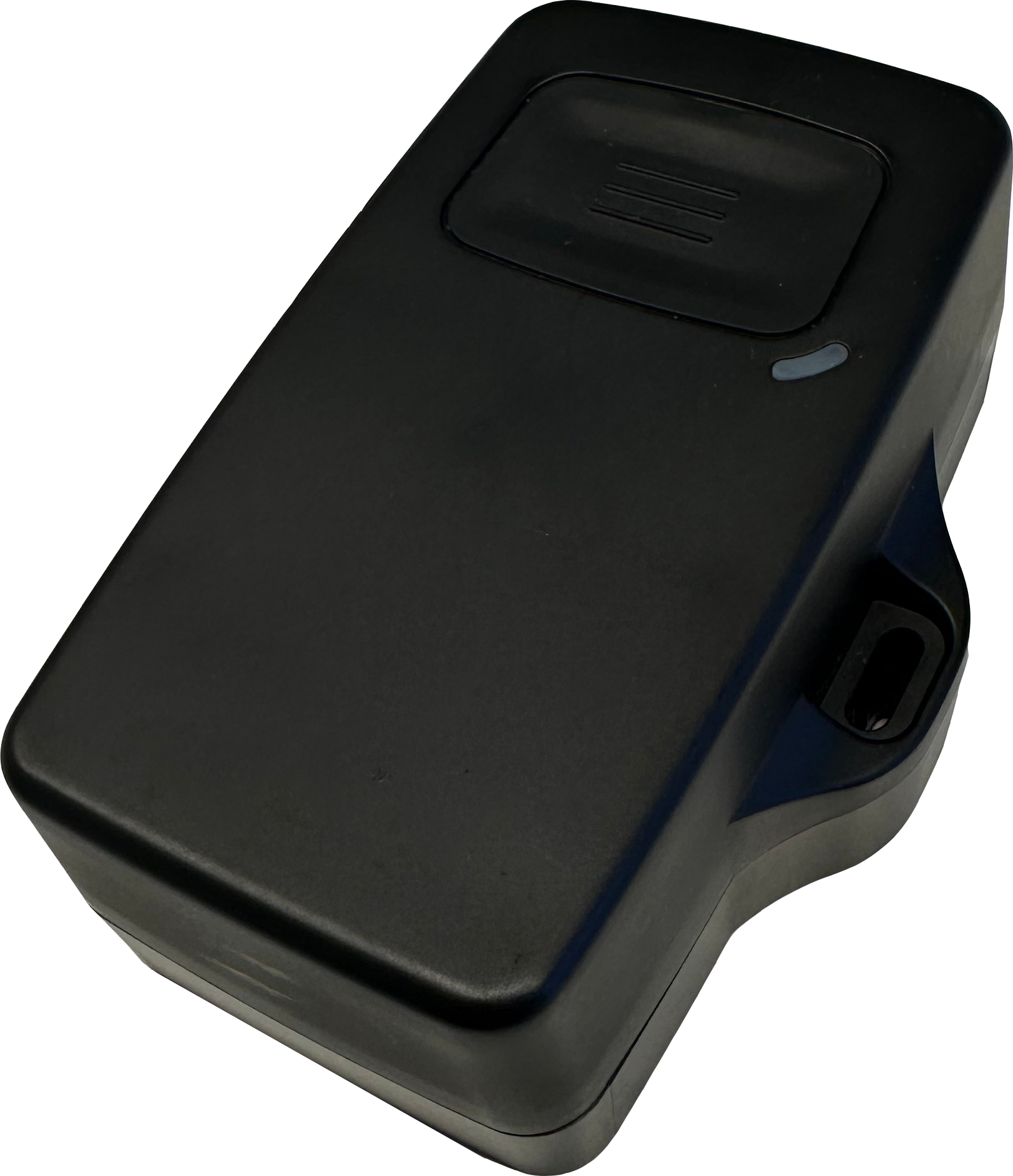
The compact Mini gateway is battery-powered, so simply place it in the vicinity of the loggers and the system is functional. As a rule of thumb, allow for a range of 20–30 m between a Mini and the gateway. If the gateway loses mobile coverage, the Minis keep measuring and storing locally, and the platform fills in the gap once the connection is restored.
In a typical installation the Minis sit inside display cases and the gateway is placed somewhere in the same room, for instance on top of an exhibition partition wall or hidden underneath one of the display cases.
CHARP Mini logger
The CHARP Mini is a compact, high-accuracy environmental logger that measures temperature, relative humidity, and light intensity. It features a magnet on the back for easy mounting on ferromagnetic surfaces.
Your CHARP Mini loggers are already activated and configured. Once the gateway is connected, data will begin flowing to CHARP within 30 minutes.
Communication frequency
| Communication | Interval | Indicator |
|---|---|---|
| Mini to Gateway | Every 2 hours | Blue LED flash on the Mini |
| Gateway to Cloud | Every 4 hours | Green LED flash on the gateway |
Logger placement
Position the CHARP Mini near the objects you want to monitor. The built-in magnet allows you to attach it directly to metal surfaces such as shelving or display cases.
Software
You will be invited by CHARP as a member to your trial account. From that account, you will have access to the loggers and gateway that are part of your trial system.
User training
Two weeks into the trial we set up a short support call with a CHARP engineer to take a tour through the software and get you up and running. Typically, we'll be able to explore your first collected climate data together.
Questions?
Battery replacement, device reset, sampling, troubleshooting, device control, connectivity: this and much more on the full hardware documentation and the software guide.
If you have any support questions, reach out to us at support@charp.be.