Maxi Trial System
With this shipment, you have received CHARP Maxi loggers and accompanying LoRaWAN gateways. This guide will help you get started.
LoRaWAN gateway
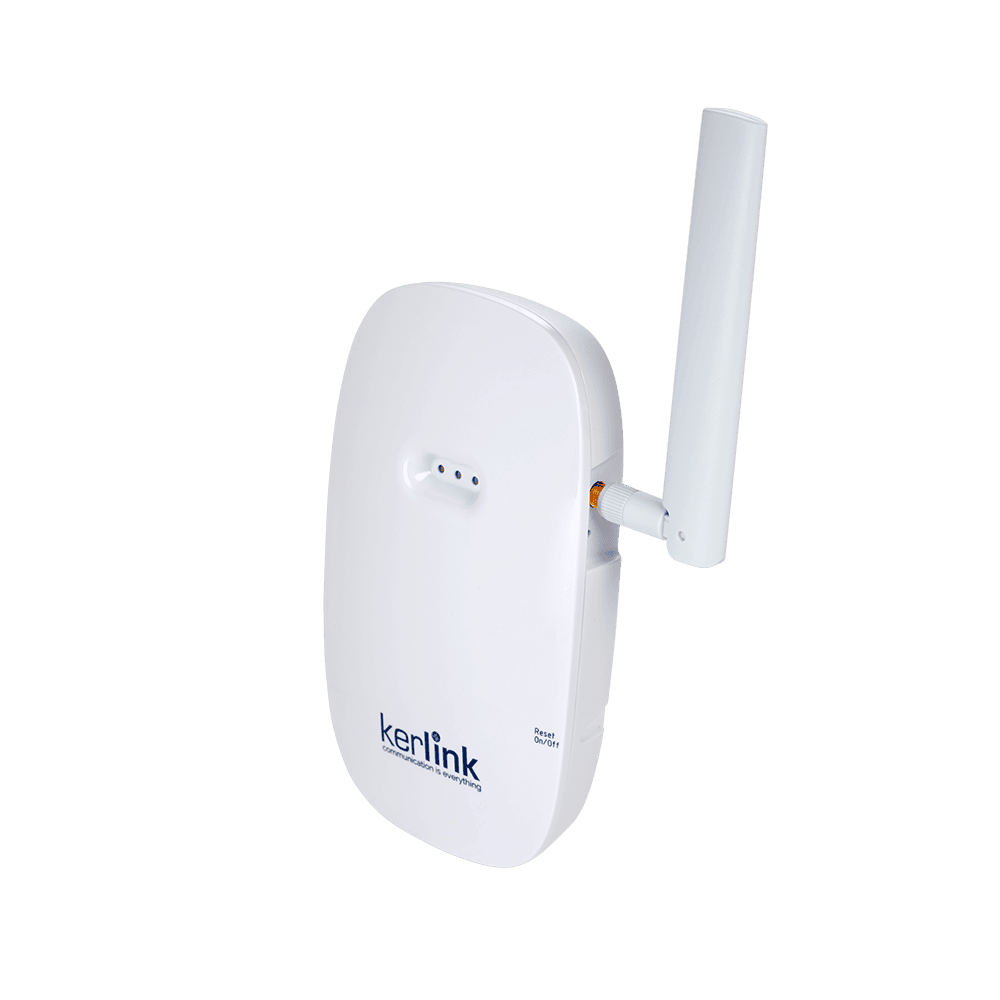
Plug in the gateway (standard adapter plug supplied with interchangeable regional mounts) on a central location in the zone to be covered.
By default, the gateway uses the mobile network (4G) to transmit data. As an alternative, before powering the device you can connect it with an Ethernet cable to a network port. Once the gateway has established a connection, two green LEDs light up.
Ethernet ports of internal networks are often locked down for security reasons. Consult your IT department before connecting a new gateway to the network.
CHARP Maxi logger
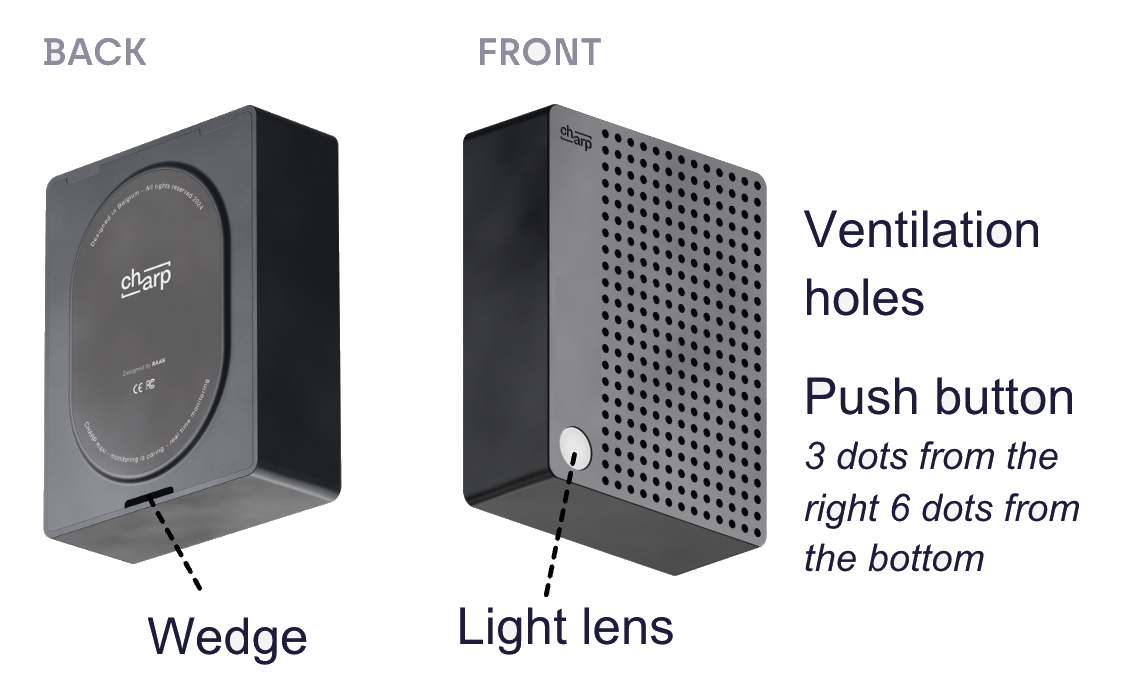
Delivered fully configured, with full batteries and sensors calibrated, the loggers pair with the LoRaWAN gateways and are ready for immediate use.
By default, every 5 minutes, the loggers take samples of temperature, humidity and light levels. Every hour, they send a batch of 12 samples to the nearby LoRaWAN gateway.
Logger placement
Mount or place the loggers where you need environmental conditions to be monitored, e.g. close to an object of interest, or at a point that best represents the overall climate of a storage room. Place the logger with the ventilation holes free from obstruction, and with the light lens at the bottom left corner.
Mounting
Mount the Maxi by making use of the strong internal magnets, by placing them on a horizontal surface, or by using double-sided adhesive tape.
The Maxi can also be screw mounted. In order to do so, you must remove the bottom part of the device casing and screw fix this part on the supporting surface. Afterwards you can simply click on the top casing.
Software
You will be invited by CHARP as a member to your trial account. From that account, you will have access to the loggers and gateway that are part of your trial system.
User training
Two weeks into the trial we set up a short support call with a CHARP engineer to take a tour through the software and get you up and running. Typically, we'll be able to explore your first collected climate data together.
Questions?
Battery replacement, device reset, sampling, troubleshooting, device control, connectivity: this and much more on the full hardware documentation and the software guide.
If you have any support questions, reach out to us at support@charp.be.